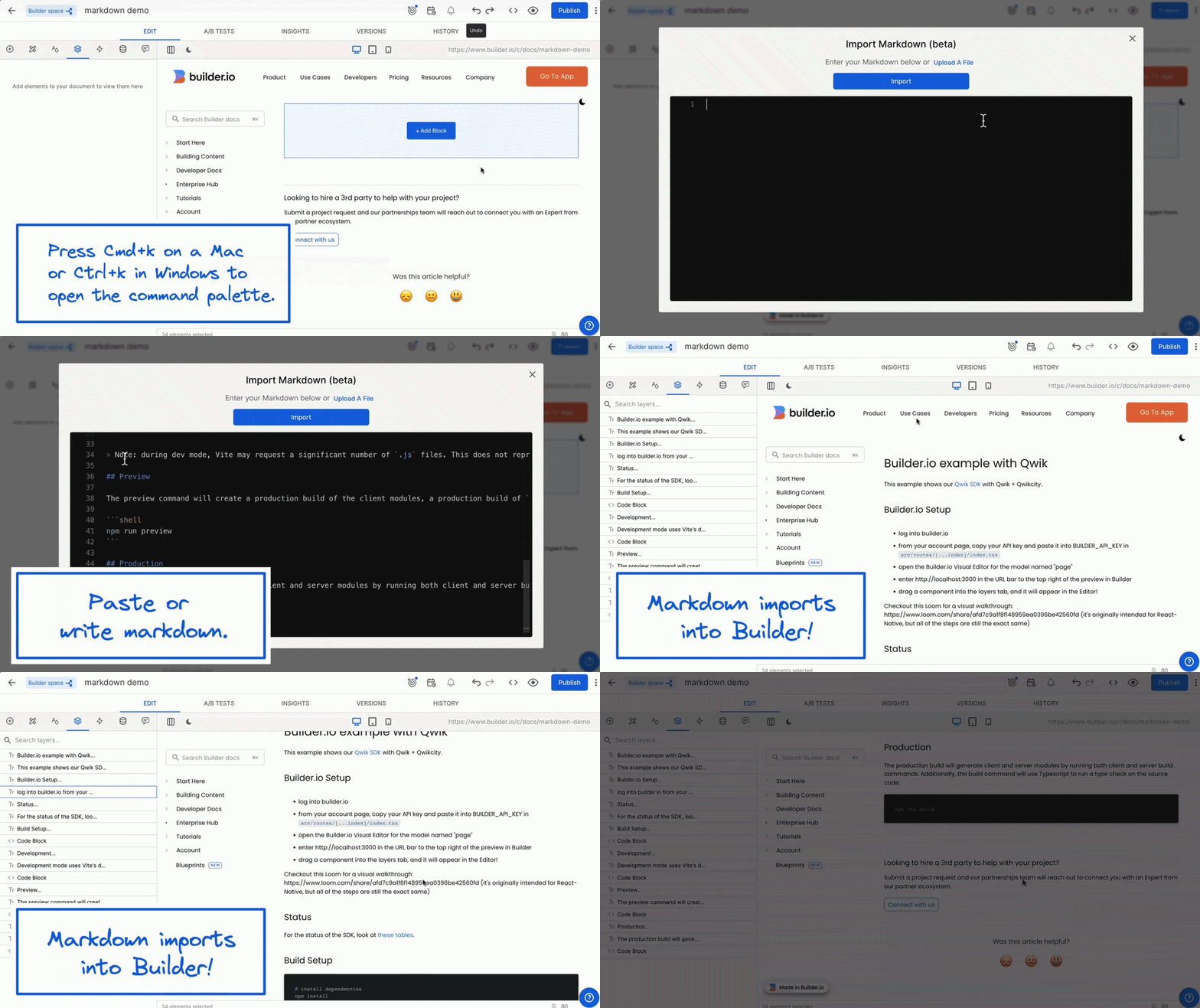
Import Markdown (Beta)
Import or write Markdown, and make it visually edible within the Visual Editor. Learn more.
Import or write Markdown, and make it visually edible within the Visual Editor. Learn more.
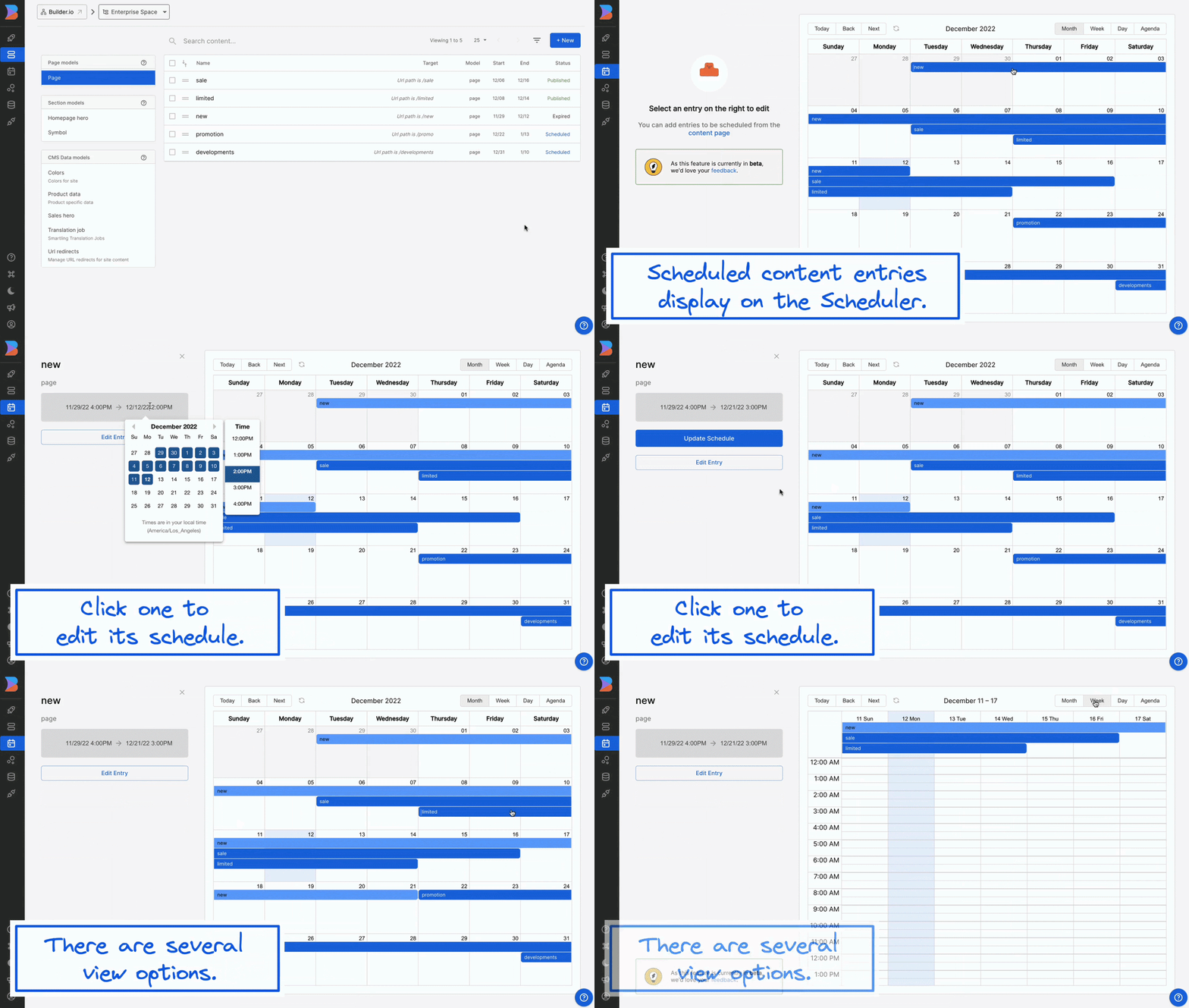
When you schedule content in the Visual Editor, you can now view and edit those scheduled content entries in the Builder Scheduler. The Scheduler displays your scheduled content in a familiar calendar view, which is useful for seeing all your scheduled entries in one place. Learn more.
Now you can organize your amazing Symbols in folders. Learn more.
Save yourself some time by publishing, targeting, scheduling, and duplicating many entries at once with new bulk action features. Learn more.
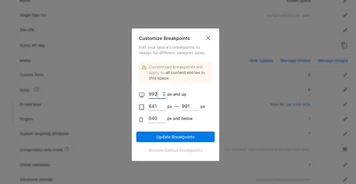
You can now create your own custom breakpoints for all your responsive design needs.
You can move quickly between content entries, spaces, account settings and more by typing cmd+p. For example, search for a content entry (eg. “homepage”) and jump right to it.
You can now organize and manage all of your digital assets – all image and video formats - to make you and your team more productive.
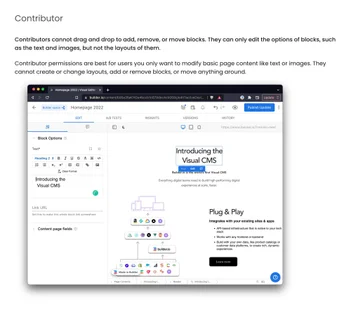
Enterprise customers now have a separate "Contributor" role type for users who only need to edit block options