Builder for Design to Code
Turn designs into code
your team can ship
Create responsive UI with your components and tokens, refine every detail, and take it through to production.















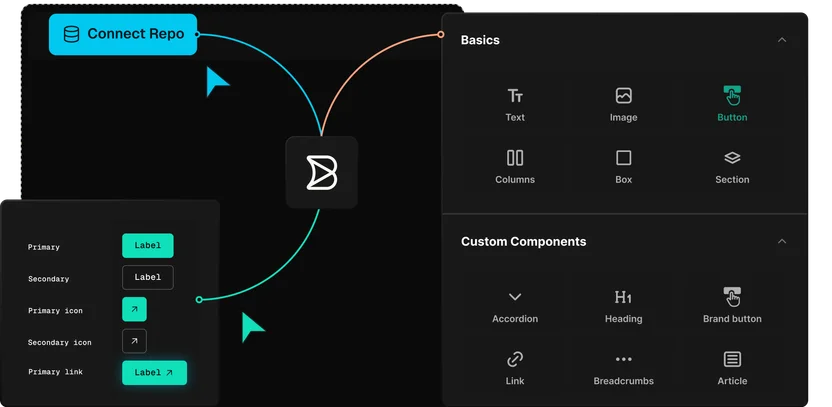
Convert designs into your components
Builder generates the UI from your components and tokens, so the starting point is true to your design system.
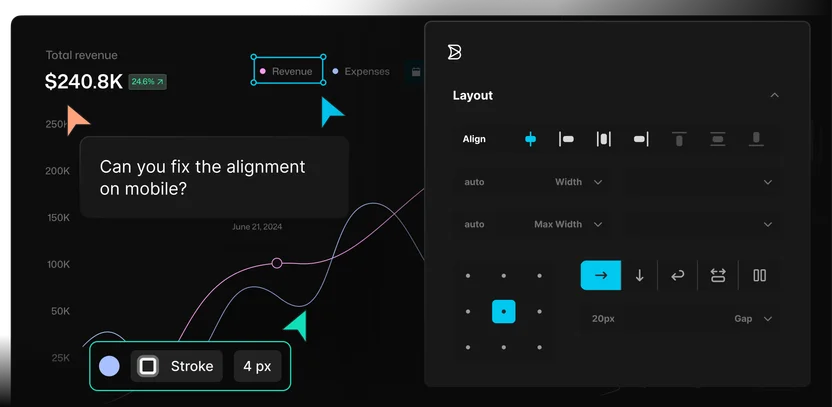
Polish every pixel
Adjust spacing, motion, interaction, and states visually, so the product experience is exactly as designed.
Turn handoff into review
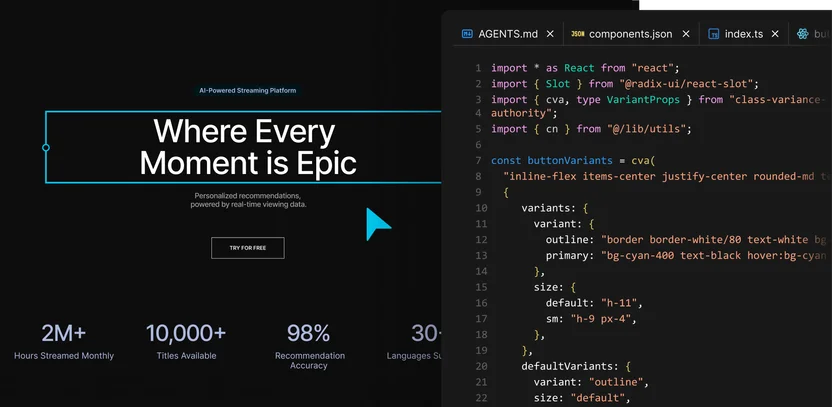
The UI arrives as working code connected to your repo, so the team can review and finish instead of rebuilding it.
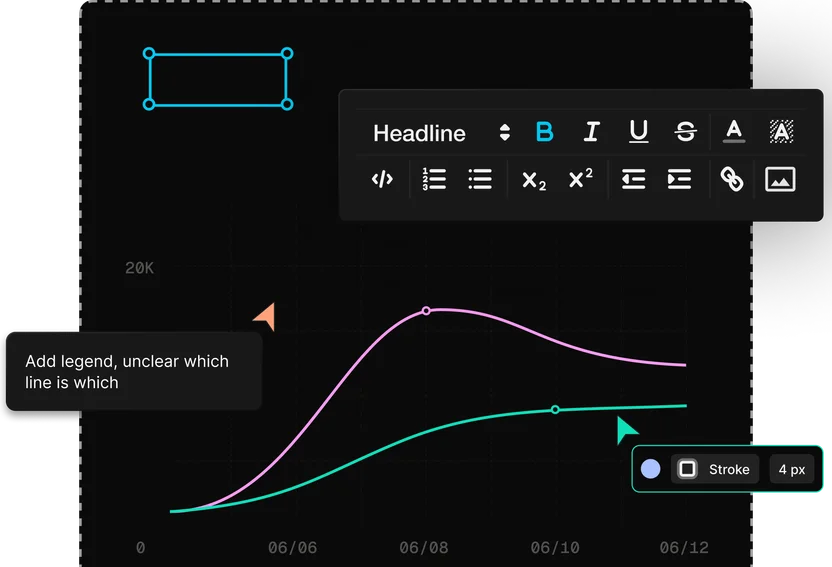
Cross-functional app development
Each team owns the part they know best
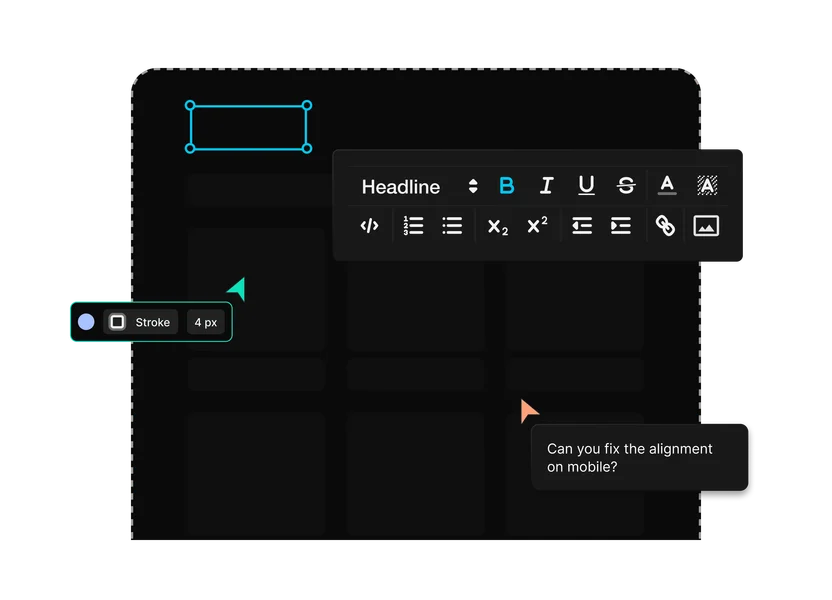
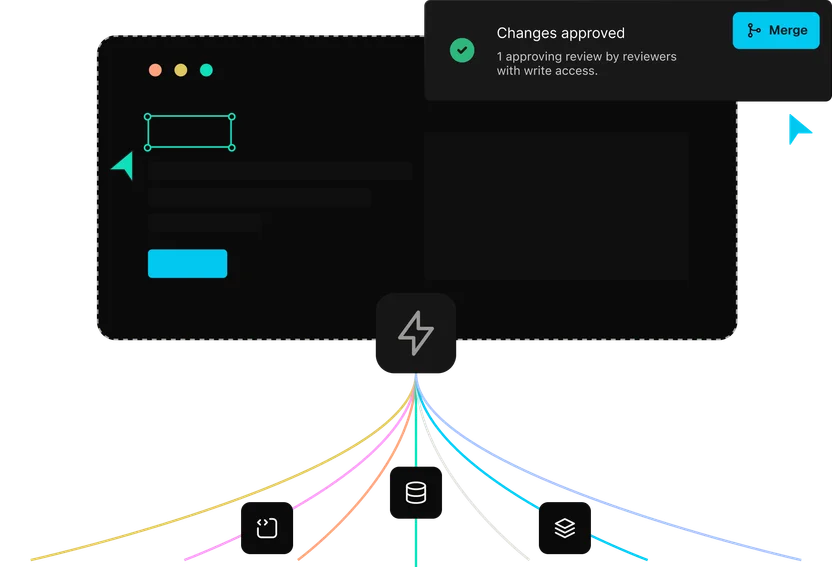
Convert designs with the systems your team already uses
Designs and design systems
Use Smart Export, annotations, and your indexed components, tokens, icons, and patterns so Figma work lands closer to the UI your team ships.

Use your framework
Turn designs into UI for the frontend your product already runs on, with the routes, styling approach, and patterns that decide what can ship.

Keep your Git workflow
Move design implementation into the branch, pull request, and review process your engineering team already trusts.
Extend with MCP connectors
Connect tickets, docs, and internal tools so Builder can pull in the context around the design.
Enterprise-ready
Security your platform team
can sign off on
Builder is built for engineering teams that need AI-assisted development and publishing workflows without giving up security, governance, or production control.

Customer stories
Designs that shipped as designed
“Builder hits this nice middle ground… it’s structured enough for developers to stay in control, but flexible enough to let other teams move fast without creating chaos.”

“A page that took three engineers a month to build can now be created in a couple of days.”

“Builder makes everyone’s lives easier, it makes it easier for us to maintain, and it makes it easier for the brand teams to maintain.”




FAQs
Get answers to common questions
Use Smart Export in the Builder Figma plugin, paste the export into a Project with implementation instructions, then refine the generated UI before sending it for review.
Yes. Design System Intelligence works from your indexed components, tokens, icons, and patterns so generated UI follows the system your team already ships.
Builder works from your indexed components, tokens, and repo context, then sends the implementation into your branch and pull request workflow. That keeps generated UI closer to the system your team actually ships.
Builder works best when Figma files use Auto Layout, clear components, and annotations. Your team can refine spacing, layout, copy, states, and interaction before engineering review.
No. Figma remains where many teams design and maintain their system. Builder turns those designs into implementation work your team can refine, review, and ship.
Work moves through branches, pull requests, previews, checks, and approvals. Engineers review the code and decide what ships.
Yes. Export the revised frames from Figma, paste them into the existing Project, and ask Builder to update the implementation in place.
Turn design intent into shippable UI
Move from design to code with your components, your workflow, and your team in the loop.