For Product Managers
Ship the changes
that can't wait.
Act on feedback, specs, experiments, and stakeholder requests while the context is still fresh.















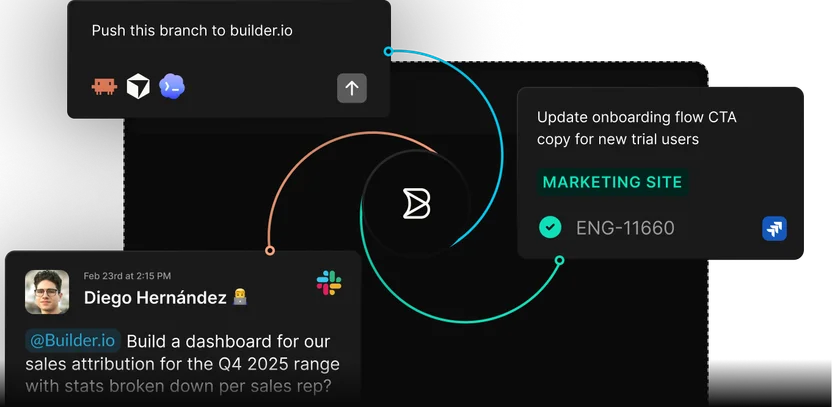
Start from feedback or a spec
Point Builder at the Slack thread, Jira ticket, or PRD, and the context comes with it.
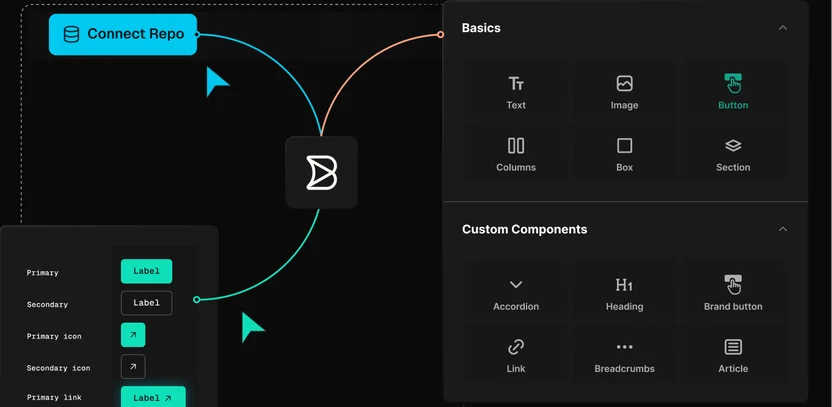
Build the first version yourself
Turn the request into a working version of the feature, built from your product’s own components.
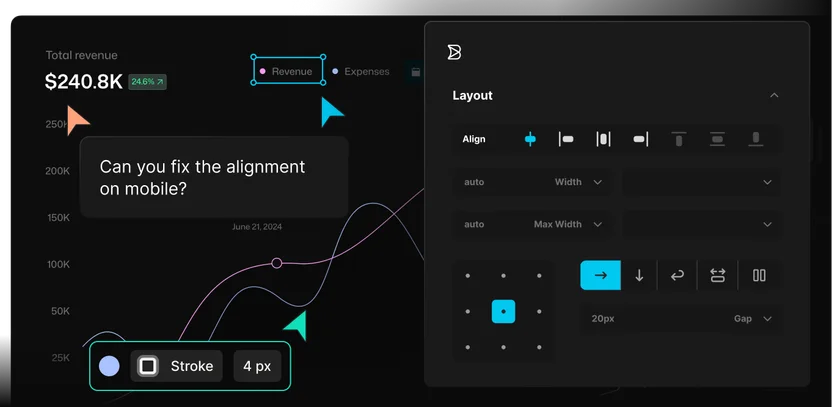
Review it live with the team
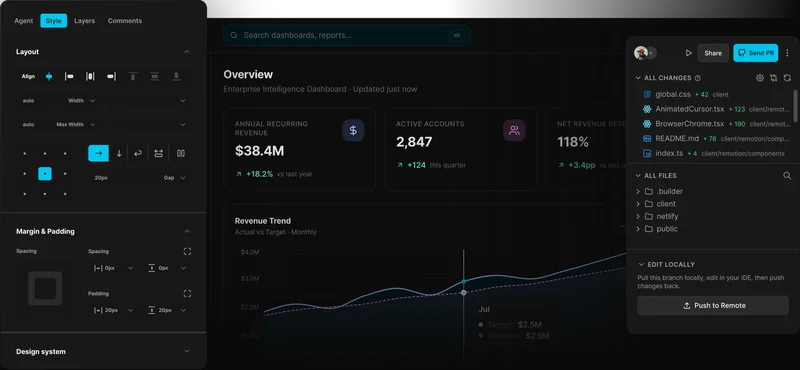
Stakeholders and teammates comment on the live preview, and open questions get answered on the spot.
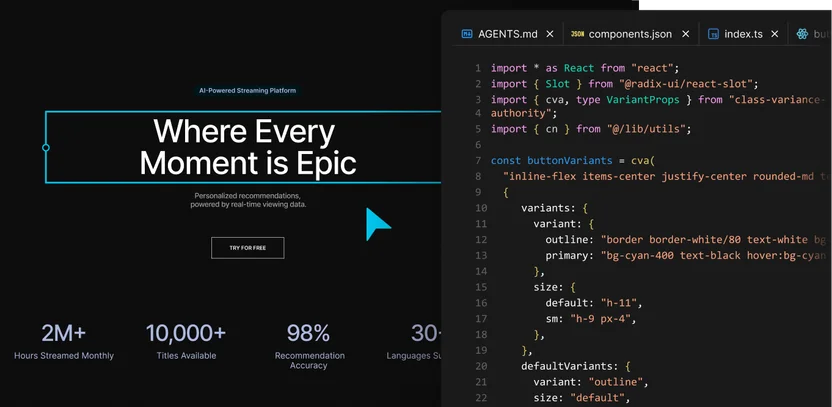
Safely move forward with approval
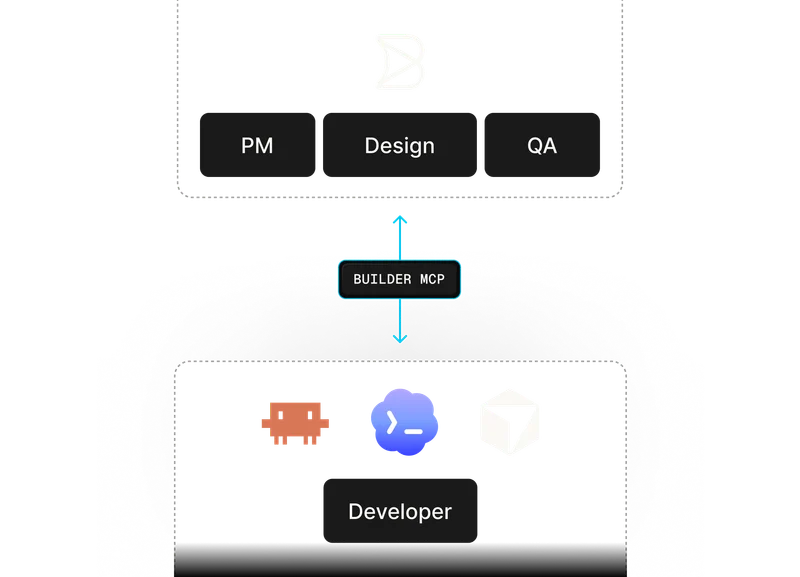
Your version reaches engineering as code in their own stack, so they can review, merge, and release it like any roadmap change.
Use cases
Move product work forward
before momentum fades
Turn briefs, customer insights, and early ideas into working prototypes your team can test before engineering scope is locked.
Move product improvements, backlog items, and surface-level changes forward without waiting for every request to fit into the next sprint.
Extend with MCP connectors
Connect Builder to the tools, data sources, tickets, and team workflows where product context already lives.

Keep your Git workflow
Move product changes through the same review and approval process your engineering team already trusts.
Connect content and commerce
Connect the CMS, product data, commerce, localization, and content tools behind launches, onboarding, and personalized experiences.

Use your framework
Build against the frontend your product already runs on, so prototypes and product changes reflect what your team can actually ship.
Testimonials
What teams are saying
“Builder hits this nice middle ground… it’s structured enough for developers to stay in control, but flexible enough to let other teams move fast without creating chaos.”

“A page that took three engineers a month to build can now be created in a couple of days.”

“Builder makes everyone’s lives easier, it makes it easier for us to maintain, and it makes it easier for the brand teams to maintain.”




Enterprise-ready
Product velocity with the controls your teams need
Builder helps product teams move faster across code, content, experiments, and launches while keeping security, governance, and engineering review in place.

FAQs
Get answers to common questions
Yes. Product managers can prompt Builder, review live previews, edit copy, adjust product experiences visually, leave comments, and share work with the team. Engineering still controls the codebase, review process, and final merge.
No. Builder connects to the tools where product work already happens. You can start from Slack, Jira, specs, designs, or the product itself, then move work through branches, previews, reviews, and pull requests.
Builder helps turn specs into working product experiences earlier. Instead of waiting until the end of a sprint to see whether the requirement was clear, your team can review a prototype or branch while there is still time to adjust the direction.
PMs can start and refine changes in Builder, especially copy, layout, content, prototype, and experience updates. What ships still depends on the permissions, review workflows, and engineering controls your team sets.
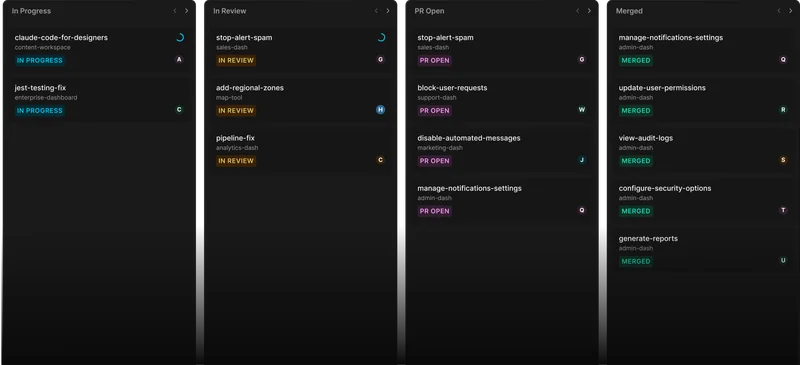
Builder works through branches, pull requests, previews, approvals, and permissions. Product managers can contribute in context, while engineers review the diff, run checks, and decide what reaches production.
They do not have to. Builder can start from prompts and specs, but it is most powerful when connected to your real repo, components, and design system. That keeps work closer to the product your team can actually ship.