Builder for Marketing Sites
Launch marketing pages
on your timeline
Get landing pages, campaign pages, and site updates live without filing a dev ticket.















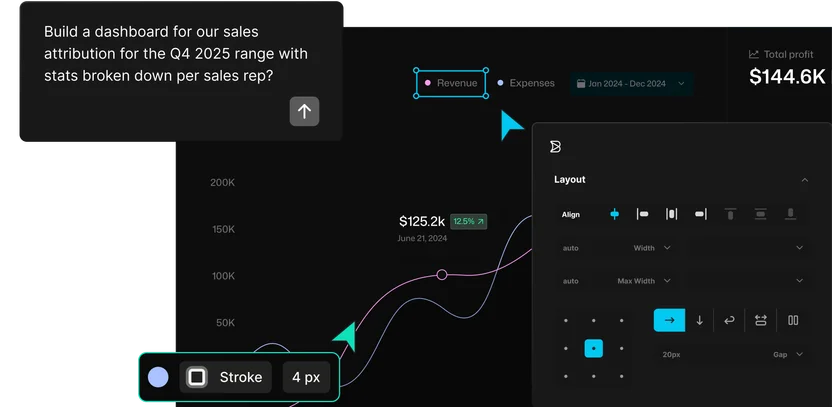
Create pages from a prompt
Describe the page or campaign you need, and Builder creates editable content your team can see and refine visually.
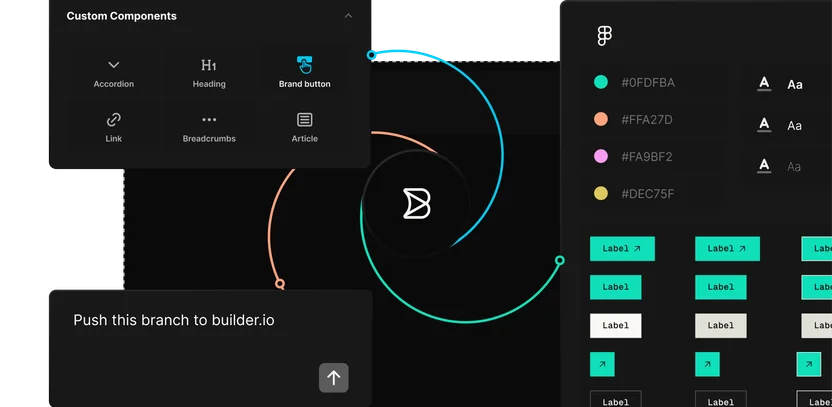
Build from your brand system
Every page starts from approved components and templates, so your team spends less review time fixing brand drift.
Publish through your approvals
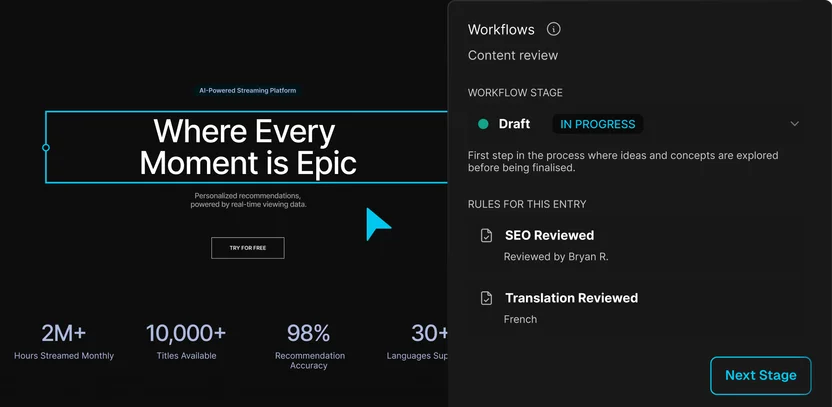
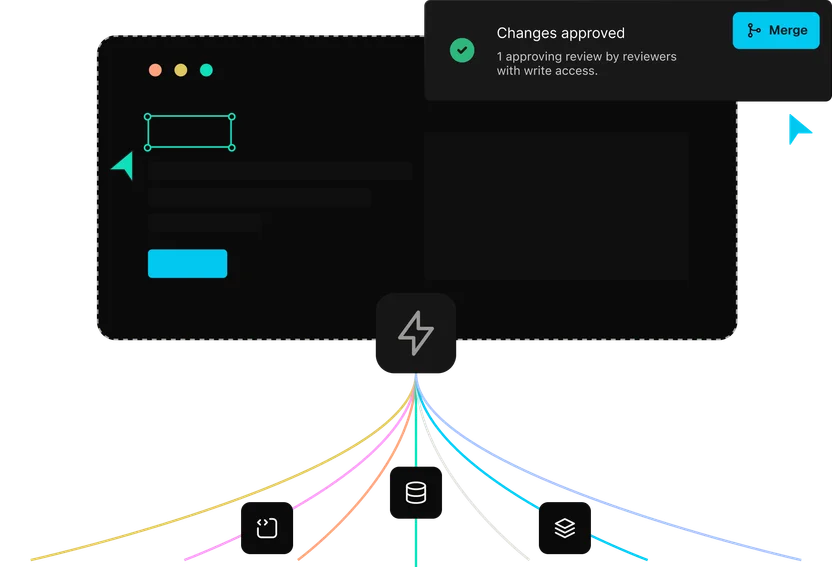
Roles and approvals define who can edit, review, and publish, so launches go live without waiting on engineering.
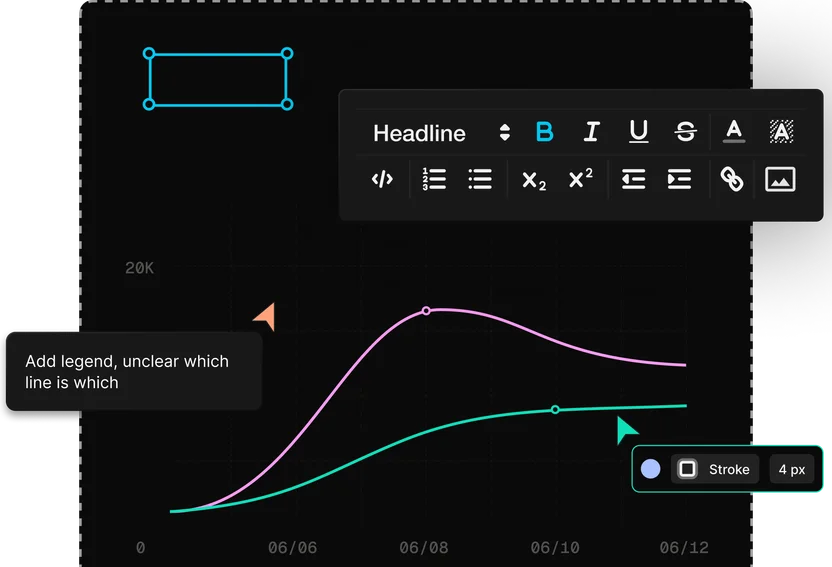
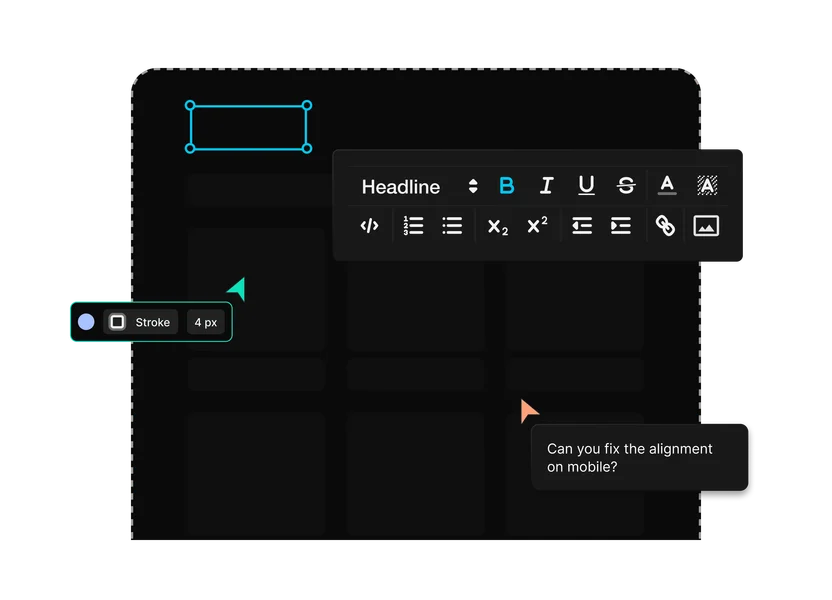
Marketing, design, and engineering
One page, three jobs
Publish with the stack that already powers your site

Use your framework
Publish pages into the sites and storefronts you already run on React, Next.js, Vue, Svelte, or Angular with Builder SDKs.
Connect content and commerce
Connect the CMS, assets, search, localization, product data, and other systems your pages depend on.
Keep your publishing workflow
Move content through roles, approvals, environments, and audit trails before it goes live.
Extend with MCP connectors
Use the Builder CMS MCP server, webhooks, and APIs to connect publishing to Slack, internal tools, and AI agents.
Enterprise-ready
Security your IT team
can sign off on
Builder is built for engineering teams that need AI-assisted development and publishing workflows without giving up security, governance, or production control.

Customer stories
Designs that shipped as designed
“Builder hits this nice middle ground… it’s structured enough for developers to stay in control, but flexible enough to let other teams move fast without creating chaos.”

“A page that took three engineers a month to build can now be created in a couple of days.”

“Builder makes everyone’s lives easier, it makes it easier for us to maintain, and it makes it easier for the brand teams to maintain.”




FAQs
Get answers to common questions
Yes, after the one-time setup. Once developers integrate Builder and register your components, marketers can prompt, edit, approve, and publish pages in the Visual Editor.
Yes. Prompt Builder’s agent to create pages, sections, and variants, then refine and publish them inside approved workflows. Developers can also connect the Builder CMS MCP server to AI tools.
Yes. When your approved components, templates, content models, and brand system are registered, AI-assisted work stays closer to your brand.
Yes. Builder can work alongside your existing CMS as the visual publishing layer, or become the CMS for pages and sections over time. The Builder CMS MCP server and APIs can inspect models, create or update content, and support migration workflows when your team is ready.
Roles and permissions control who can create, edit, approve, and publish. Request to Publish notifies approvers, while Workflows and Rules support more structured review paths.
Yes, on eligible plans. Builder supports localized pages, sections, and structured content, and it can integrate with tools like Crowdin, Phrase, and Smartling.
Builder is an agentic CMS built for pages on your real site and components. You prompt the agent, refine the result in the Visual Editor, and publish through your approval workflow instead of moving work into a disconnected sandbox.
Launch the page while the moment is fresh
Move from design to code with your components, your workflow, and your team in the loop.