For Marketers
Publish campaigns
on your timeline.
Prompt Builder to create campaign pages, variants, and localized launches you can preview, approve, and publish.















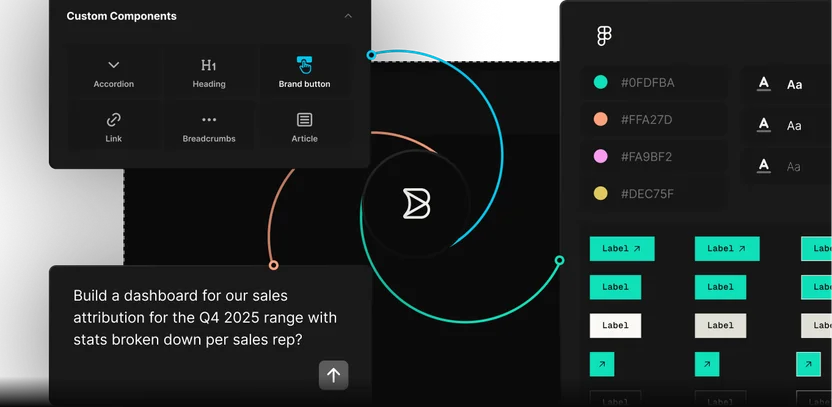
Start from the campaign brief
Paste the brief and Builder drafts the page from your approved components, ready for your edits.
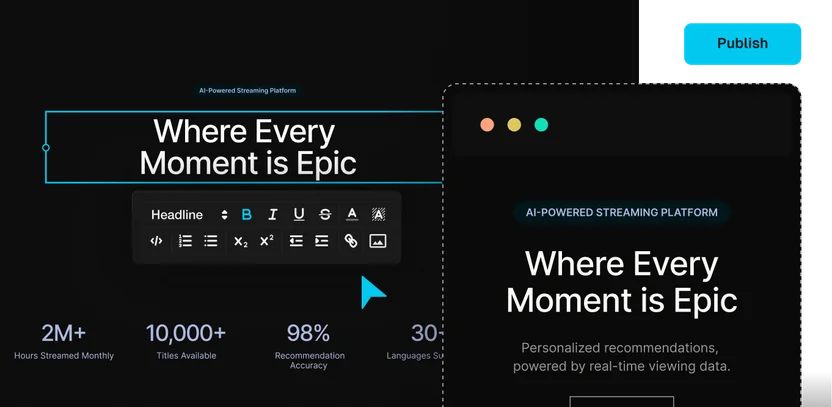
Reuse content across pages and channels
Update a reusable section once, and every page it appears on updates with it.
Adapt by market and audience
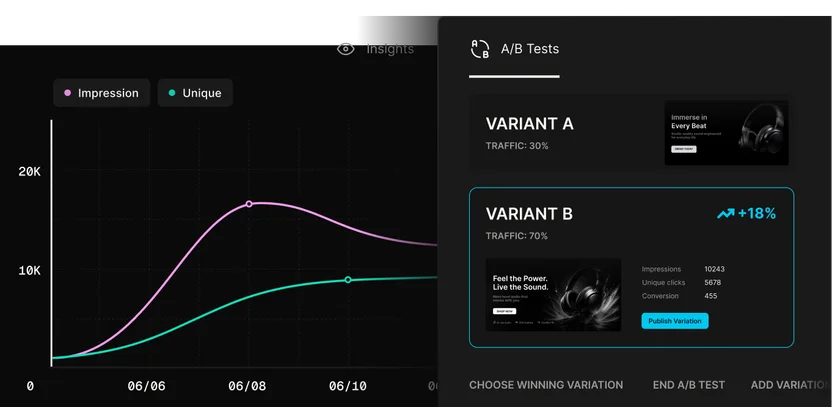
Localize pages by market and tailor variants by audience, then test what converts.
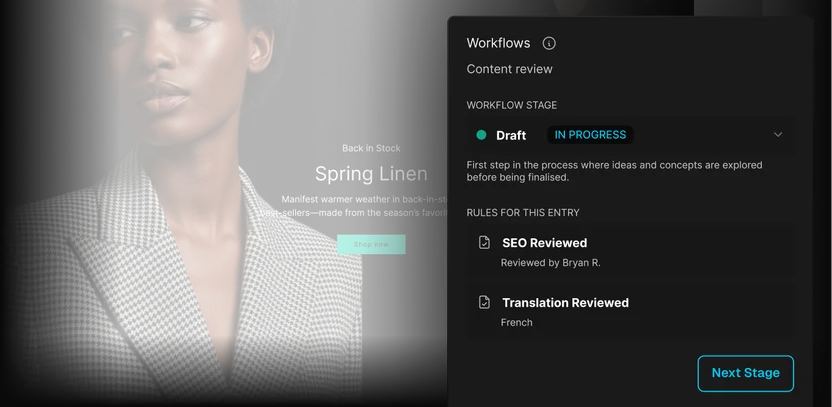
Preview, approve, publish
Check the final page, collect the sign-offs you need, and set it live on the date you picked.
Use cases
Launch more campaign work
before the moment passes
Create landing pages, campaign pages, event pages, and site updates your team can draft, adapt, approve, and publish while the moment is fresh.
Refresh product pages, category stories, promotions, and storefront campaigns with content your team can test, localize, and update across markets.
Connect content and commerce
Connect the CMS, commerce, product data, search, asset, and localization systems your pages and campaigns depend on.

Use your framework
Publish campaign experiences into the frameworks your sites, apps, and storefronts already run on.
Testimonials
What teams are saying
“Builder hits this nice middle ground… it’s structured enough for developers to stay in control, but flexible enough to let other teams move fast without creating chaos.”

“A page that took three engineers a month to build can now be created in a couple of days.”

“Builder makes everyone’s lives easier, it makes it easier for us to maintain, and it makes it easier for the brand teams to maintain.”




Enterprise-ready
Marketing speed with
brand and publishing control
Builder helps marketing teams launch campaigns, content updates, localized pages, and commerce experiences faster while keeping brand, approval, and publishing controls in place.

FAQs
Get answers to common questions
Yes. Once Builder is integrated with your site and approved components, marketers can create landing pages, campaign pages, site updates, and reusable sections in the Visual Editor. Developers set up the system; marketers use it to move faster.
Yes. Marketing and content teams can prompt Builder to generate pages, content updates, variants, and localized experiences, then refine and publish them inside approved workflows.
Builder can be your CMS, but it can also work alongside the systems you already use. Many teams use Builder as the visual publishing layer for pages, sections, campaigns, and commerce experiences connected to existing content, product, asset, and localization systems.
Builder works inside your approved components, templates, content models, roles, and publishing rules, so AI-assisted work stays closer to the systems your team already trusts.
Yes. Teams can create variants, run A/B tests, target content by audience or context, and track conversions so campaigns can improve based on performance data.
Yes. Builder supports localized pages, sections, and structured content, so teams can adapt copy, imagery, and experiences across regions while keeping the workflow organized.