Builder for Prototyping
Prototype product ideas
in your real app
Share a working preview your team can click through, comment on, and build from.















Build with your design system
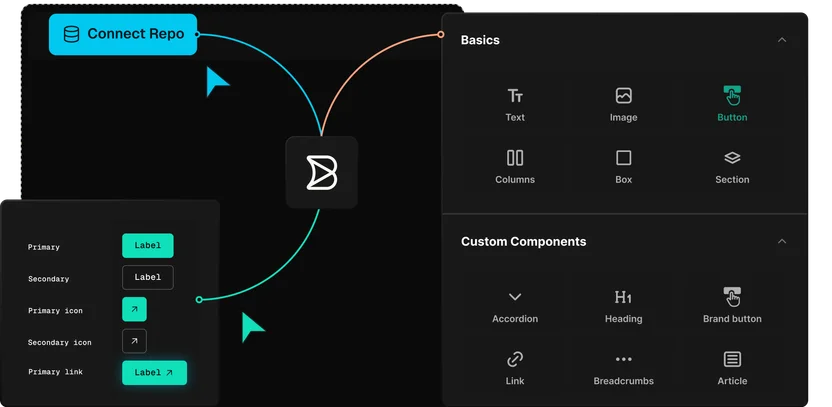
Builder works from your components, tokens, and patterns. The prototype looks and behaves like the product you ship.
Share a link anyone can open
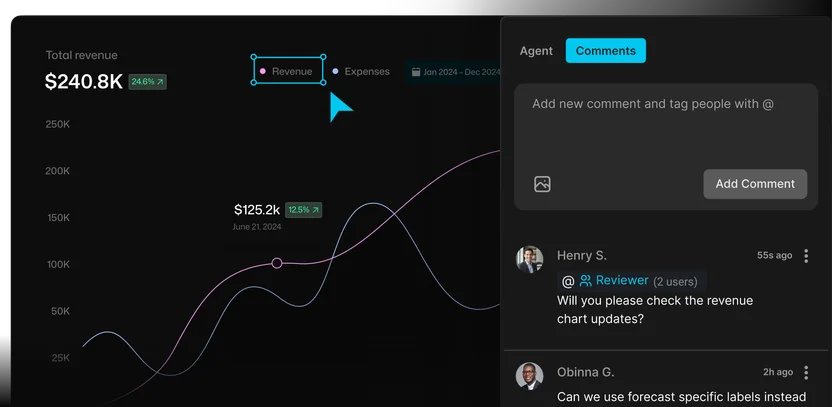
Send stakeholders, customers, and teammates a preview URL. They walk through it and comment right on the prototype, so you learn what works while changes are easy.
Skip the rebuild
The prototype is already code, connected to your repo. After sign-off, engineering continues from the same work.
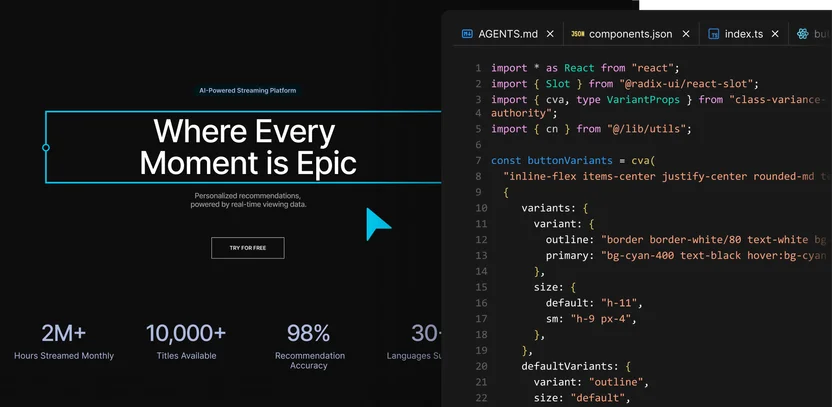
Cross-functional prototyping
Give every team a better way to shape the idea
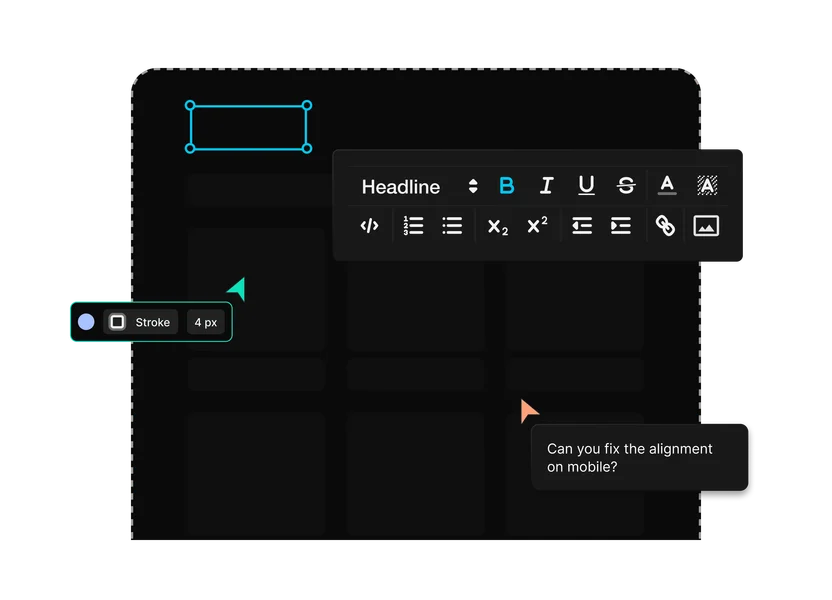
Prototype with the systems your team already uses

Use your framework
Prototype inside the frontend your product already runs on, with the routes and patterns that decide what can ship.
Connect your existing data
Pull in the product data and content your app already uses, so the prototype runs on live data.

Keep your Git workflow
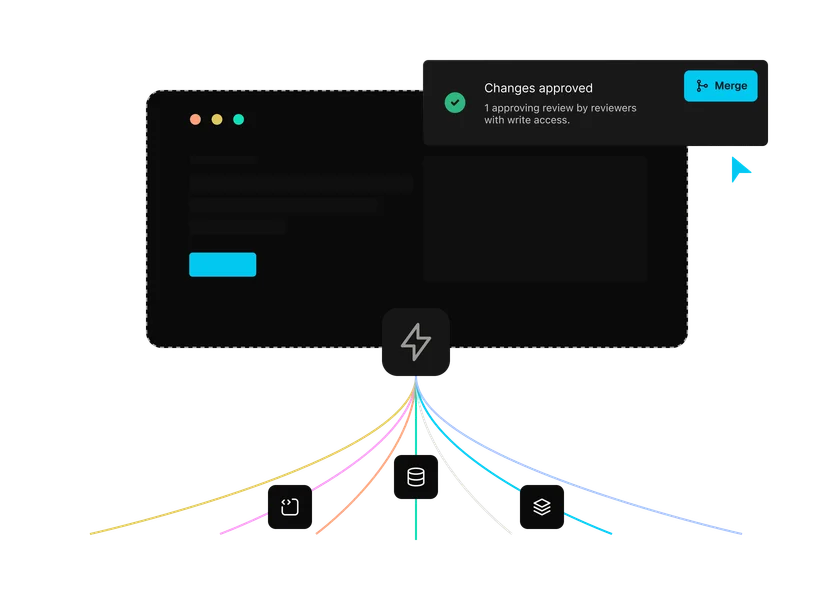
Move promising prototype work into the review process your engineering team already trusts.
Extend with MCP connectors
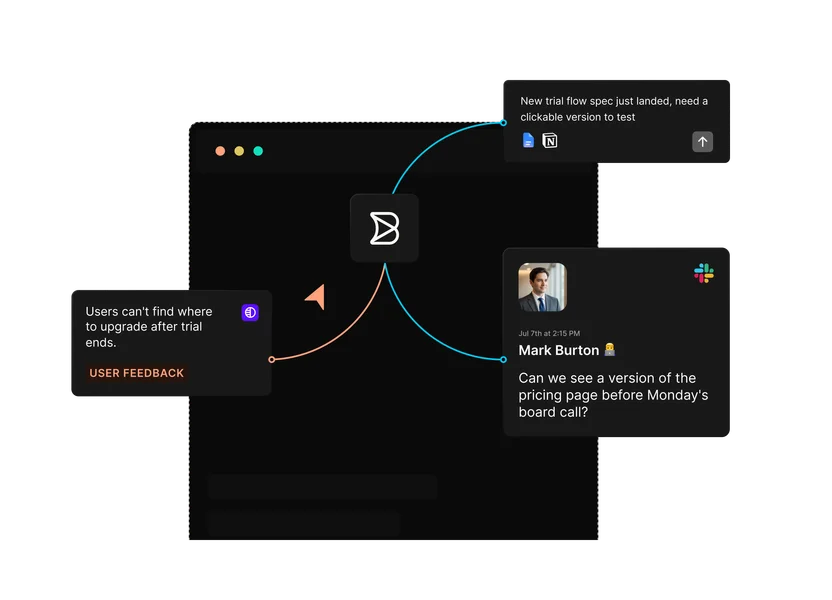
Connect tickets, docs, and internal tools so Builder can pull in the context around the idea.
Enterprise-ready
Security your platform team
can sign off on
Builder is built for engineering teams that need AI-assisted development and publishing workflows without giving up security, governance, or production control.

Customer stories
Designs that shipped as designed
“Builder hits this nice middle ground… it’s structured enough for developers to stay in control, but flexible enough to let other teams move fast without creating chaos.”

“A page that took three engineers a month to build can now be created in a couple of days.”

“Builder makes everyone’s lives easier, it makes it easier for us to maintain, and it makes it easier for the brand teams to maintain.”




FAQs
Get answers to common questions
Both. Teams explore early ideas in Builder, and approved work stays connected to code instead of starting over. Plenty of explorations stay throwaway. The ones that earn a yes keep going.
A Figma prototype simulates the experience. Builder builds it in code, with your indexed components and design tokens, so what stakeholders click is what your team can ship. Figma stays where design exploration happens. Builder is where the direction becomes software.
Most AI prototype tools start from a blank canvas, and their output has to be rebuilt by your engineers. Builder starts from your repo and design system, so an approved prototype moves to a branch instead of a rewrite.
Anyone. PMs and designers work from prompts and the visual editor in the browser. Engineers can open the same branch in their own tools. Roles and permissions decide who can do what.
Yes. Prototype work reaches production the same way any change does: a branch, a pull request, and your team’s review.
Yes. Start from a prompt, brief, or Figma file. Connecting the repo and design system makes prototypes more realistic and gives approved work somewhere to go, but it isn’t required on day one.
Prototype the idea. Keep the path to production.
Start from a prompt, ticket, or Figma file, and give your team something to click.