For Engineers
Code the hard parts.
Offload the follow-ups.
Build in your existing stack, then push a branch so designers, PMs, and marketers can polish, refine, and test in the real app.















Build features that fit your codebase
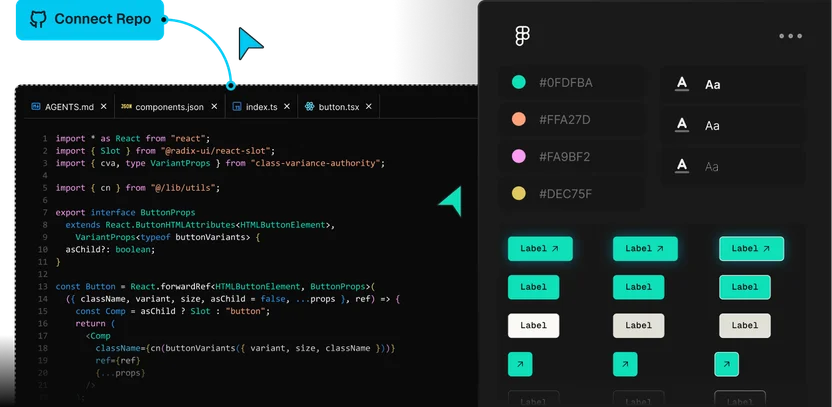
Connect your repositories, design system, and conventions once, and everything Builder produces follows them.
Keep your setup in the loop
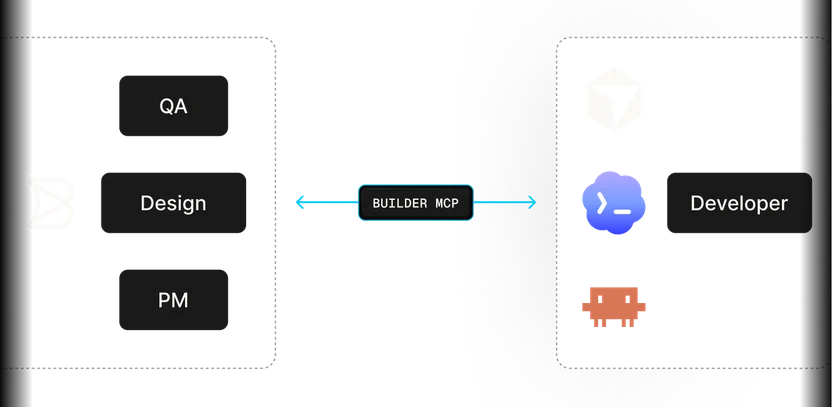
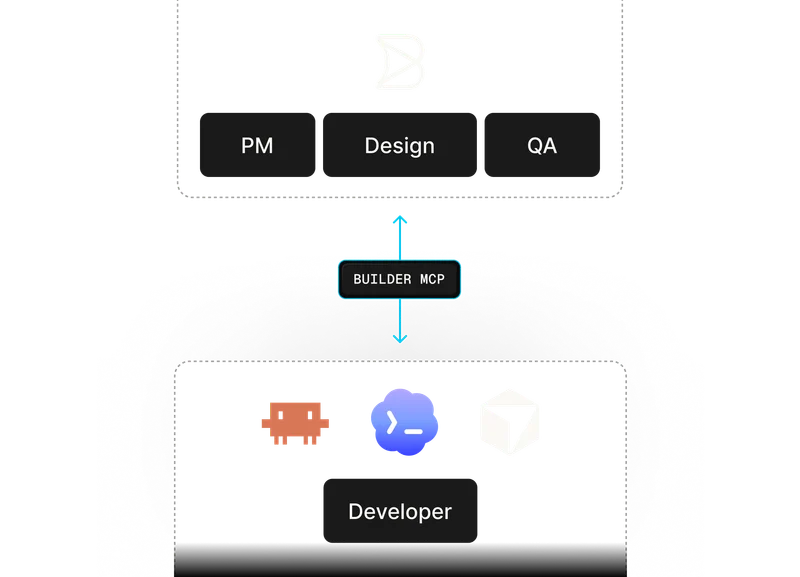
Code with Builder's agent or your own, and move branches between them in both directions, so you code where you're fastest.
Share the branch and split the work
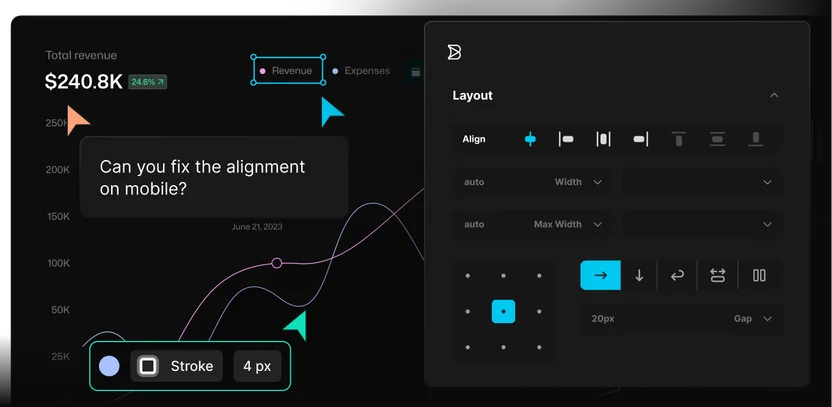
Design, product, and QA pick up UI polish, copy, and tests on your branch while you build the logic underneath.
Own the merge
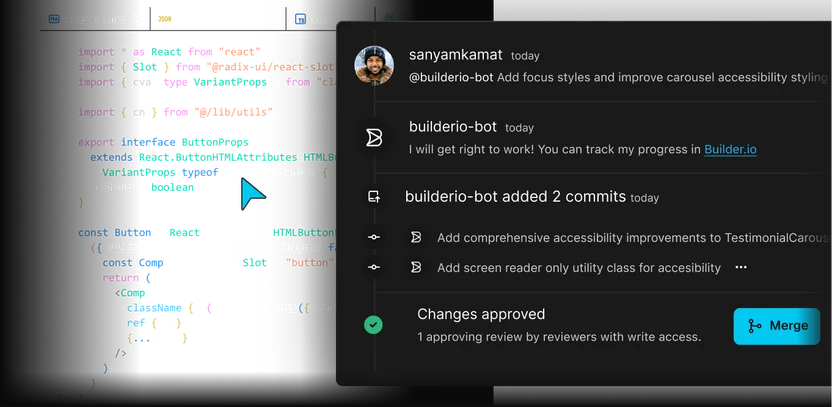
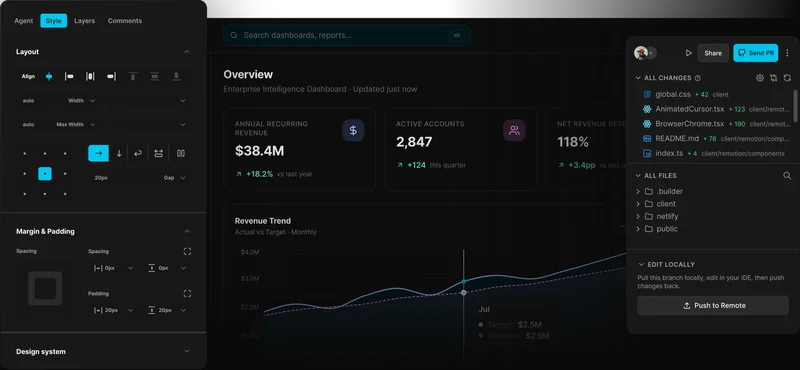
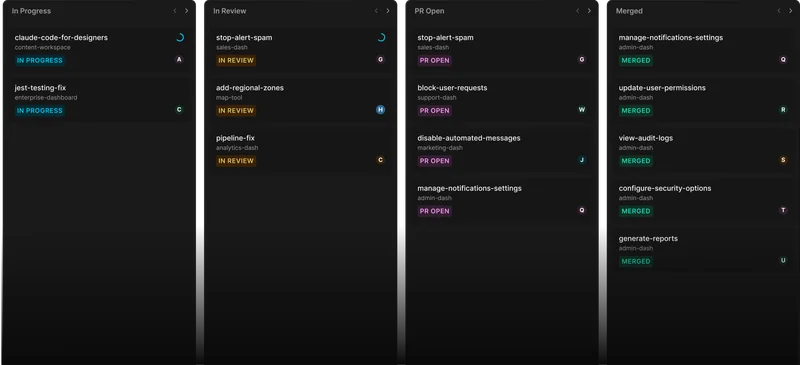
Every change on the branch comes to you as a reviewable diff that already follows your standards, ready for your review and checks.
Use cases
Ship more work
without owning every follow-up
Build apps, product features, internal tools, and reusable components against your real codebase, so the work is ready for your team to review and build on.

Give marketing a safe way to launch pages and updates, so engineers are not pulled into every campaign follow-up.

Use your framework
Ship real code in the frontend your team already uses, including React, Next.js, Vue, Svelte, and Angular.

Keep your Git workflow
Fit work into your branch, pull request, review, and approval process with GitHub, GitLab, Bitbucket, or Azure DevOps.
Extend with MCP connectors
Connect Builder to ticketing, DevOps, design, and other tools through custom MCP connections.
Connect content and commerce
Connect the CMS, commerce, search, asset, and localization systems your pages and storefronts depend on.
Testimonials
What engineering teams are saying
“Builder hits this nice middle ground… it’s structured enough for developers to stay in control, but flexible enough to let other teams move fast without creating chaos.”

“A page that took three engineers a month to build can now be created in a couple of days.”

“Builder makes everyone’s lives easier, it makes it easier for us to maintain, and it makes it easier for the brand teams to maintain.”




Enterprise-ready
Control for teams building
with code, content, and AI
Builder is built for engineering teams that need AI-assisted development and publishing workflows without giving up security, governance, or production control.

FAQs
Get answers to common questions
Yes. Builder works from your real repo, components, and project patterns so generated changes are designed to move through your normal engineering workflow. Your team still reviews the diff, runs checks, and controls what gets merged.
No. Builder can be your primary AI development workspace, but it can also work alongside the tools your engineers already use. Start in your preferred coding environment, then bring work into Builder when design, product, marketing, or QA need to polish and build on it.
Yes. Builder can work with advanced repo setups and additional repositories for design systems or shared components. The best results come when Builder has access to the app, component library, tokens, and project rules that define how your team builds.
They work in Builder against a branch or reviewable change, not directly against production. Engineering keeps control through permissions, pull requests, reviews, approvals, and your existing release process.
Builder uses Agent credits for AI operations. Teams can use Auto mode or choose from supported models depending on the task, plan, quality bar, and cost profile.