For Designers
Your designs go live.
As designed.
Turn designs, product UI, and design systems into production work that keeps the details intact.















Start with your design system
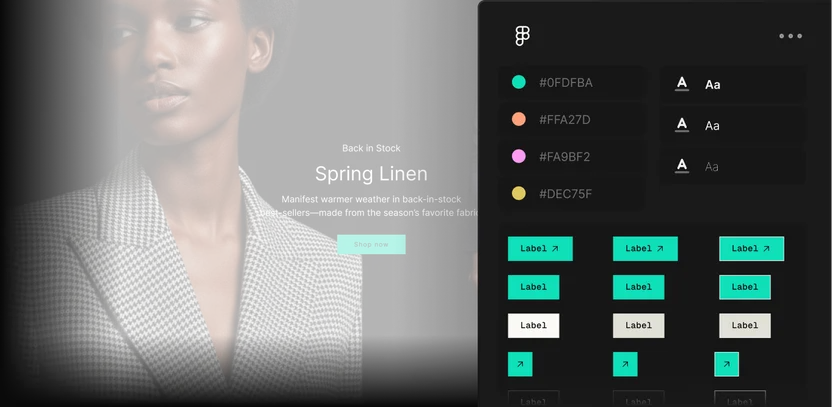
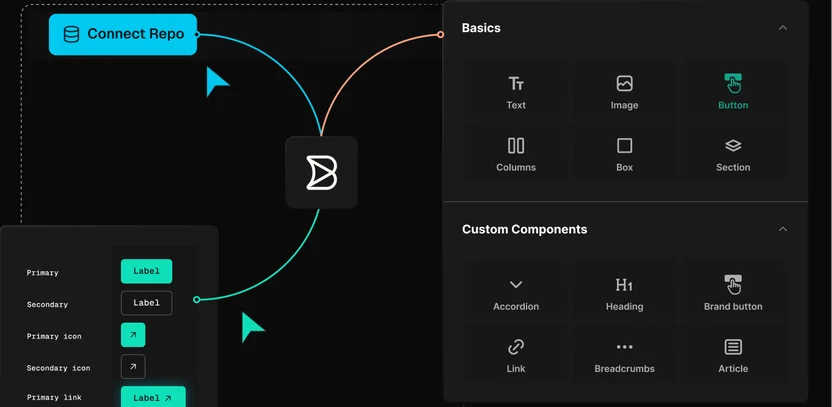
Connect your components, tokens, and brand rules once, and everything you create starts from them.
Create at full fidelity
Generate new screens and flows, rendered with your real components, data, and states instead of placeholders.
Perfect the details visually
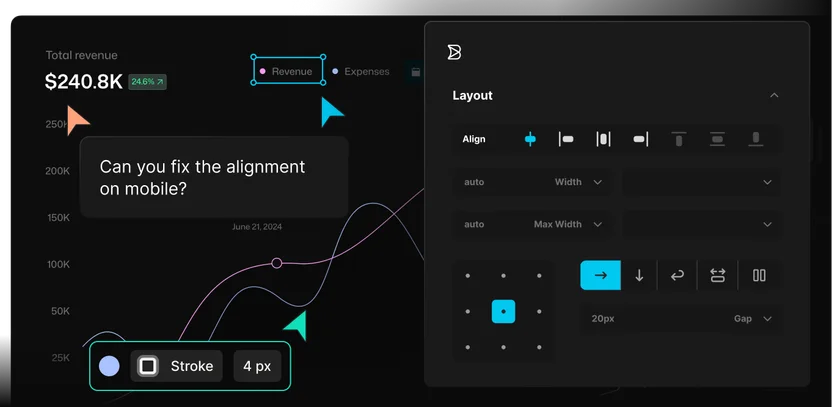
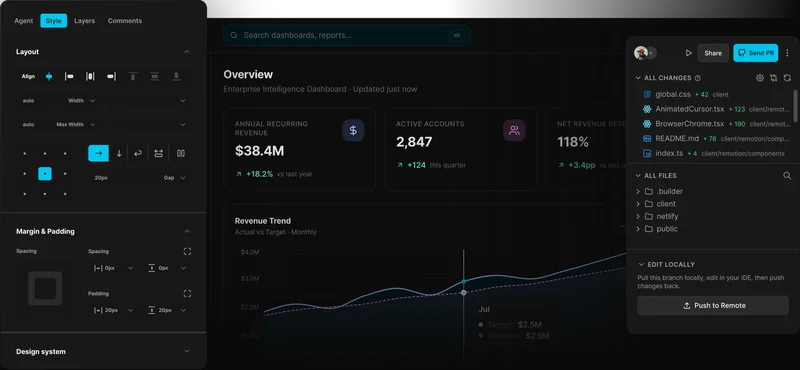
Adjust typography, spacing, and motion directly on live UI, so the details you obsess over survive to production.
Stay in sync with engineering
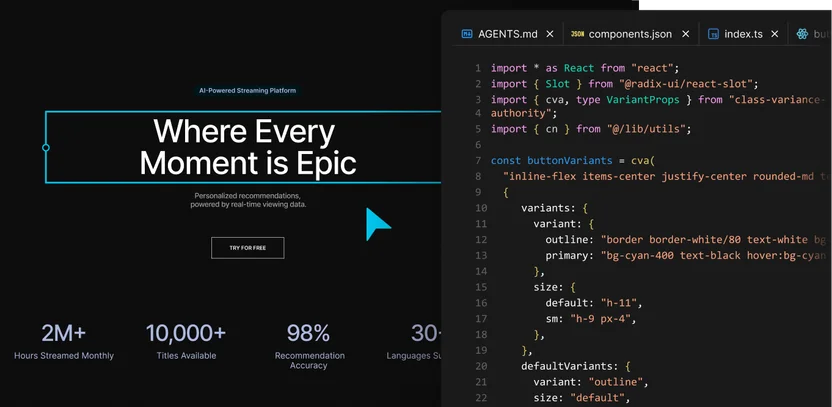
Your polish lands as code on a branch engineers review, so engineering starts from your finished work.
Use cases
Keep design quality intact
across every surface
Turn Figma designs into responsive UI that uses your components, tokens, and patterns so the details survive the move from design file to production.
Create working prototypes in code using the components your product already runs on, so you can validate ideas with stakeholders and customers earlier in the design cycle.
Designs and design systems
Use your designs, components, tokens, icons, and patterns as context for new UI. Native Figma support helps carry design intent into Builder.
Product components and content
Work with the components, layouts, copy, imagery, product data, and localized experiences your users will actually see.
Extend with MCP connectors
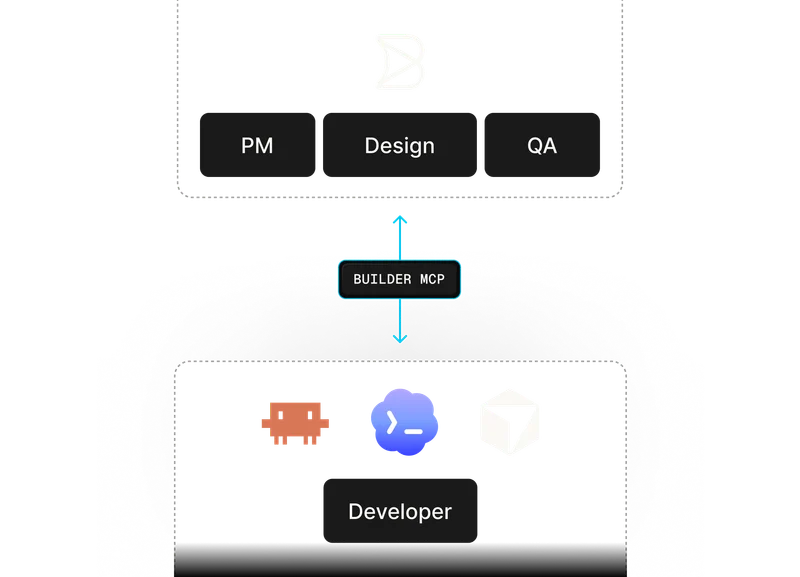
Connect Builder to the tools, data sources, and workflows your team depends on, so design work stays connected to the systems around it.

Use your framework
Ship designs as real code your engineers can implement in the frontend they already use.
Testimonials
What teams are saying
“Builder hits this nice middle ground… it’s structured enough for developers to stay in control, but flexible enough to let other teams move fast without creating chaos.”

“A page that took three engineers a month to build can now be created in a couple of days.”

“Builder makes everyone’s lives easier, it makes it easier for us to maintain, and it makes it easier for the brand teams to maintain.”




Enterprise-ready
Design control for teams shipping
with code, content, and AI
Builder helps you protect design quality across product UI, pages, campaigns, and markets, even as more people create with AI.

FAQs
Get answers to common questions
Builder is built to work from your real design system, components, tokens, and product context. Your team can still review and refine the output, but the workflow starts closer to the system you actually ship instead of treating the design as a static reference.
No. Figma remains where many teams explore, design, and maintain their system. Builder helps turn that work into production UI, then gives teams a shared place to refine, review, and ship it in real product context.
Yes. Designers can adjust layout, spacing, styling, copy, images, and components visually. Those changes stay connected to the underlying code, content, and review workflow instead of becoming one-off edits outside the system.
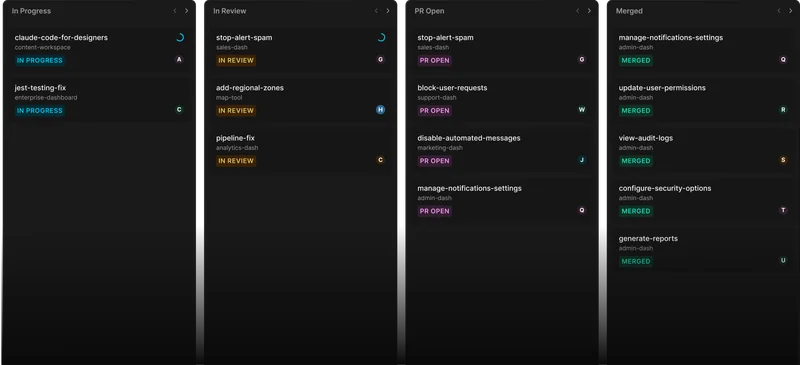
Work can move through branches, pull requests, previews, approvals, and publishing workflows before it reaches production. Designers and other teammates can contribute visually while engineering keeps control of the release process.
Yes. Builder can work with your components, tokens, icons, patterns, and Figma designs. The best results come when Builder has access to the systems that define how your team designs and builds.