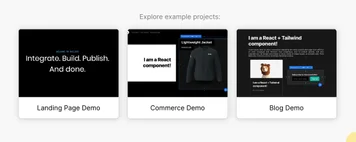
Example Project Demos
Use new demo experiences and example templates as jumping off points for your next project:
Use new demo experiences and example templates as jumping off points for your next project:
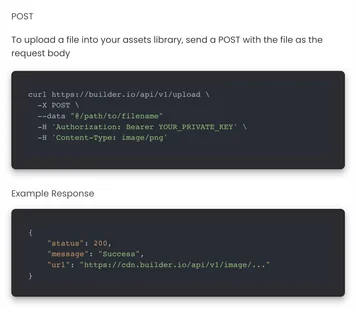
Updated Upload API lets you manage all your files (Images, videos, etc.) from a single API endpoint.
Now you can dynamically manage complex preview URLs — helpful in scenarios like:
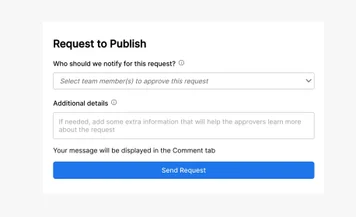
Organizations need the flexibility to control who can publish content and who cannot.
If a user does not have "Publish / Unpublish Content" enabled, it will be replaced by "Request Publish."
When a user selects "Request Publish", a dropdown menu will allow them to select the desired approver. Upon sending the request, the approver will receive a message in the Comments tab and be notified of the request.
Use the eyedropper tool to click-to-pick colors for a faster design process.
Dark Mode user interface (UI) reduces the luminance emitted by device screens, while still meeting minimum color contrast ratios.
Dark mode improves visual ergonomics by reducing eye strain and adjusting brightness to current lighting conditions —while conserving battery power
Start conversions, and share updates and ideas with teammates. You can comment on an entire content entry or a specific block within an entry.
Click here to learn how adding Comments to your processes can accelerate collaboration across your team today.
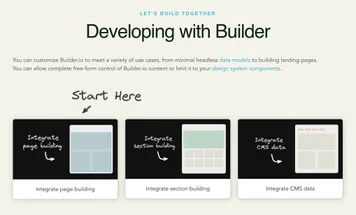
We have overhauled our integration docs to better cover the ways you can integrate Builder in more friendly step by step instructions
Take a look and let us know your feedback! https://www.builder.io/c/docs/developers