The Visual Agentic Development Series: How AI-Native Teams Ship Faster
Most engineering teams have AI coding tools in the stack, a backlog that isn't shrinking, sprints that keep slipping, and a CFO asking what the investment actually bought.
The workflow is the problem. AI made one step faster. Everything around it, the handoffs, the queues, the back-and-forth between roles, hasn’t changed.
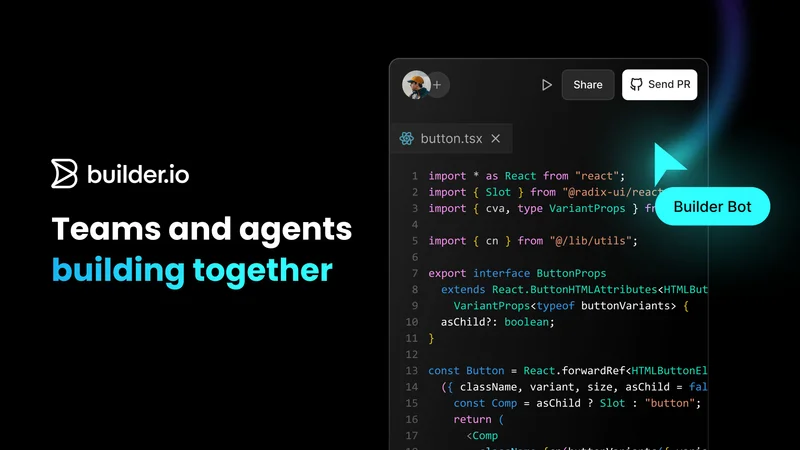
The Visual Agentic Development Series is a six-part live series designed to address that gap. Starting April 2, each session demos a different part of the idea-to-production workflow on a real codebase, in sequence, culminating in a complete product sprint running live from a scoped ticket to a merged PR.
Here's what's in each session:

Session 1: The Brutal Truth About Your AI Maturity, April 2
Most teams adopting AI tools are optimizing one step in a workflow that hasn't changed. The backlog is still full, handoffs are still slow, and delivery metrics are flat. The workflow around it was designed for a world where writing code was the hard part.
This session introduces the 5 levels of AI development maturity, with a live demo at each level showing what it looks like in practice. Each level represents a different answer to the same question: how much of your idea-to-production workflow is actually running on AI? Most organizations are stuck at level one or two because they haven't changed the workflows those tools plug into. The session gives teams a way to see where they actually sit and what's keeping them there.
Save your seat for this session.

Session 2: Make AI Match Your System, April 9
The most common failure mode: generated code that looks reasonable until it meets your actual codebase — wrong components, wrong tokens, patterns that don't follow your conventions. Engineers rewrite it, and the productivity gain disappears.
Some teams try to fix this by stitching together Claude Code with a Figma connector, or Cursor with a custom rules file. It works for one developer on one task, but doesn't scale and has no governance built in.
This session shows what changes when AI has deep context on your real system. We'll index a real component library, generate production-ready code using real tokens and components, and open a real PR inside a standard engineering workflow. The output is code that already fits your system, because it was built with it.
Save your seat for this session.

Session 3: Your Design System Is the Foundation for AI Development, April 23
Every AI development tool you adopt is only as good as the component library it builds with. An incomplete design system limits every AI tool you build on top of it. Components pile up in the backlog. Adoption stalls. Teams work around the system instead of with it, and the library drifts further from the codebase it's supposed to represent.
This session shows how to close that gap using AI. We'll build components from Figma designs, automatically generate documentation that stays in sync with code, and run every component through a standard PR and review workflow. The goal is to give the design system team a way to keep pace with demand.
Save your seat for this session.

Session 4: Let Your Whole Team Build on Your Real Codebase, May 7
PMs have ideas sitting in backlogs for months. Designers hand off redlines and hope the implementation matches. Frontend engineers spend their weeks on UI tickets instead of the work they were hired to do. The standard fix is to add more engineers or improve handoff documentation. Adding engineers or improving handoff docs doesn't change the underlying constraint: only one role on the team can push work forward.
This session shows what it looks like when that changes. A PM builds an interactive prototype directly on the production codebase using real components. A designer refines UI in a production context and submits changes for review. Engineering reviews and approves through a structured peer review workflow. The work moves forward without waiting on sequential handoffs, and engineering maintains control over what ships.
Save your seat for this session.

Session 5: Stop Throwing Away Prototypes. Build Them With Your Real Components, May 21
Static Figma prototypes don't produce real feedback because stakeholders can't interact with them. Interactive prototypes take weeks to build and get thrown away at implementation, because they're built with placeholder components that have nothing to do with the production codebase. AI prototyping tools generate something fast, but they still don't use your design system, so you pay the full implementation cost again from scratch.
This session shows a different approach. We'll build interactive prototypes using a real component library in minutes. Because the prototype is built on the same system as the product, once approved, it becomes the starting point for engineering. The feedback you get is on something that behaves like the real product, because it's built with the same pieces.
Save your seat for this session.

Session 6: Watch Us Run a Product Sprint in 45 Minutes, June 4
The previous five sessions each cover one piece of the workflow. This session runs the full thing live. A PM scopes the work. A designer refines the UI directly in the production context. AI agents are built with real components from a real design system. The team reviews together through structured peer review and governance. Production-ready code merges before the session ends.
Every step in that sequence is covered individually in the earlier sessions. Watching them run together shows what the whole workflow looks like when it's actually connected.
Save your seat for this session.
All six sessions are free and live. Register for the full series or individual sessions. The series starts on April 2.