Localization Improvements
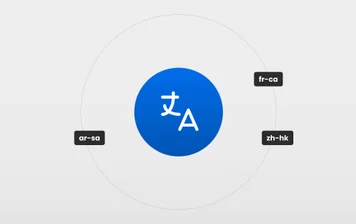
We've streamlined the workflow for localizing your web and mobile experiences by adding link URL localization, improving our integrations with Phrase and Smartling, and cleaning up the localization UI. Learn more.
Visual Copilot will use your existing code components to generate experiences. Learn more.
During the Beta phase, we significantly improved Visual Copilot to ensure even greater precision in converting designs into clean, responsive code. Learn more.
This new Beta feature lets you better train Visual Copilot to adapt its output to match your existing code style, ensuring consistency across your codebase.
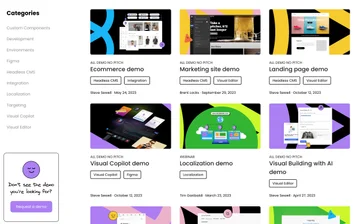
Visit the new demo library to learn about Builder features and functionality without setting everything up. Visit the library.
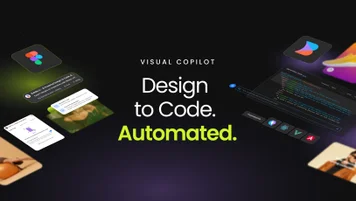
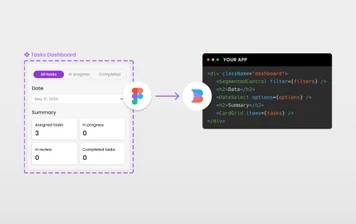
Automate your design-to-code workflow with Visual Copilot. We trained a specialized AI model so you can convert Figma designs into code with one click. Unlike any other design-to-code tool, Visual Copilot doesn’t require you to prepare your design files in a specific way, and the generated code is always clean, semantic, and completely responsive. Learn more.
Teams who code native apps in Swift, SwiftUI, and Kotlin now have the same drag-and-drop visual editing functionality as teams using the Builder platform to build for the web or with React Native. Learn more.
Edit content in the Visual Editor faster. You can quickly insert new blocks, including text, different headings, columns, buttons, lists, and many more elements by typing slash, /, while inline editing content. Learn more.